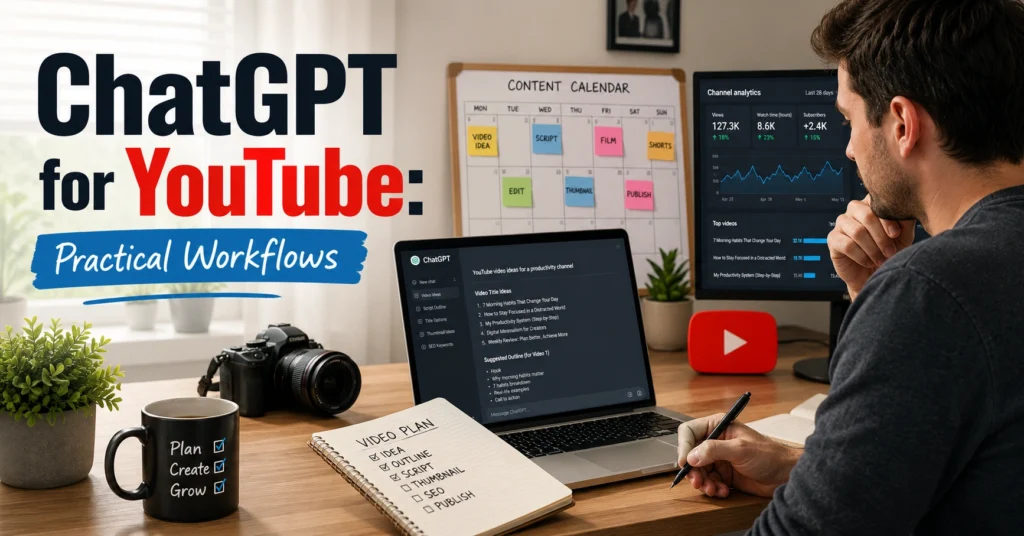
They open a blank chat, type “write me a YouTube script,” copy the result, and wonder why the video sounds like everyone else’s.
The useful part isn’t the script.
It’s everything that happens before the script.
Over the last year, the biggest time savings I’ve seen from AI workflows came from planning, research organization, angle testing, and content expansion. Script writing helps. But the real leverage comes from reducing the hours spent staring at a blank page trying to decide what the video should actually be about.
That’s where chatgpt for youtube becomes useful.
Used properly, it can help you generate ideas, structure videos, test hooks, organize research, build content calendars, and repurpose finished videos into other formats. Used badly, it creates generic scripts that increase editing time rather than reducing it.
This article focuses on the workflows that survive contact with real publishing.
Why ChatGPT Works Better Before the Camera Turns On
Most YouTube problems are planning problems.
Creators often think they need better editing, better cameras, or better thumbnails. Sometimes they do.
More often, they need better topic selection.
A weak topic becomes a weak video regardless of production quality.
ChatGPT is useful because it compresses the thinking stage.
Instead of spending 45 minutes brainstorming ten possible angles, you can generate them in five minutes and spend the remaining time evaluating which one deserves production.
For example, if your channel covers fitness, don’t ask:
“Give me YouTube ideas.”
Ask:
“Generate 20 YouTube video concepts for busy professionals aged 30–45 who struggle to exercise consistently. Prioritize practical problems with strong search intent.”
The difference matters.
The first prompt generates content.
The second generates strategy.
That’s a pattern you’ll see throughout this article.
Setup Your ChatGPT Workspace Before Creating Content
Most people skip setup.
Then they repeatedly explain their channel in every conversation.
Create a reusable channel brief instead.
Include:
- Channel topic
- Target audience
- Content style
- Average video length
- Publishing frequency
- Competitor examples
- Goals
Example:
My channel teaches beginner freelancers how to find clients. Videos are 8–12 minutes long. Audience members have less than two years of freelancing experience. The tone is practical and direct. Avoid motivational language.
Paste this once at the start of a project.
The outputs improve immediately because ChatGPT now has context.
A useful observation here: the quality jump from adding context is often larger than the quality jump from switching prompt styles.
Many people spend hours tweaking prompts when they haven’t provided enough information about the audience.
The Workflow That Saves More Time Than Prompt Tricks
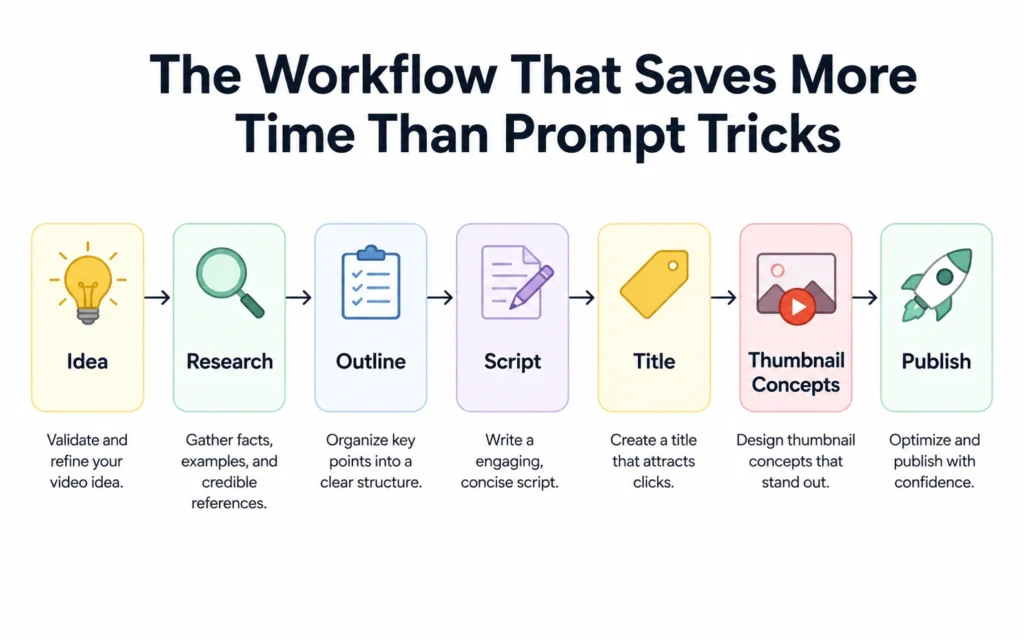
Prompt engineering gets attention.
Workflow design creates results.
A practical YouTube workflow looks like this:
Step 1: Generate Topic Clusters
Ask ChatGPT to create groups of related content.
Example:
- Client acquisition
- Pricing
- Discovery calls
- Proposals
- Retainers
Instead of producing one video idea, you’re building months of content.
Step 2: Identify Viewer Questions
Prompt:
“List 30 specific questions beginners ask about freelance pricing before their first paid project.”
These questions become video concepts.
They also become hooks, community posts, and FAQ content.
Step 3: Create Video Angles
One topic can produce multiple videos.
Example:
Topic: Freelance pricing.
Possible angles:
- Beginner mistakes
- Real examples
- Step-by-step setup
- Industry comparisons
- Psychological barriers
This stage often doubles content output because you’re no longer treating each topic as a single video.
Step 4: Build the Outline
Ask for:
- Hook
- Context
- Main teaching points
- Examples
- Conclusion
At this stage, the outline matters more than the script.
A strong outline makes scripting easier.
A weak outline creates editing problems later.
Step 5: Draft the Script
Now use ChatGPT to expand sections.
Don’t generate the whole script at once.
Generate section by section.
The outputs stay tighter and require less rewriting.
How to Use ChatGPT Without Turning It Into a Fancy Search Bar
This is where many creators lose value.
ChatGPT is not a replacement for research.
It’s a research organizer.
Important distinction.
If you’re making a video about a software platform, product update, or recent event, verify facts independently.
Use ChatGPT to:
- Summarize notes
- Compare sources
- Extract themes
- Organize findings
Don’t use it as the source itself.
The fastest way to lose credibility is publishing incorrect information because AI presented it confidently.
A useful workflow:
- Gather source material.
- Paste notes into ChatGPT.
- Ask for patterns, insights, and structure.
- Verify key claims.
- Build the video.
This reduces chaos without reducing accuracy.
The Prompt Structures That Produce Better YouTube Outputs
Most prompts fail because they’re missing constraints.
A better prompt includes:
- Audience
- Goal
- Format
- Tone
- Length
- Restrictions
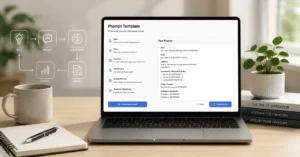
Template:
You are helping me plan a YouTube video.
Audience: [audience]
Goal: [goal]
Video length: [length]
Tone: [tone]
Avoid: [restrictions]
Task: [specific request]
Notice what’s missing.
No complicated prompt engineering jargon.
Just context.
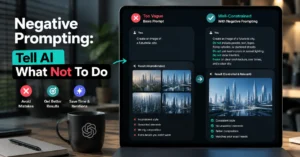
One of the most reliable improvements I’ve seen comes from adding an “avoid” section.
Examples:
- Avoid clichés
- Avoid generic productivity advice
- Avoid motivational language
- Avoid repeating common YouTube talking points
That single instruction often removes half the fluff.
Where ChatGPT Is Surprisingly Good for YouTube
Script writing gets most of the attention.
It isn’t the strongest use case.
The strongest use cases are usually:
Hook Development
Generate ten different openings.
Compare them.
Mix the strongest elements.
Thumbnail Brainstorming
Ask for:
- Curiosity angles
- Contrasts
- Before-and-after concepts
- Visual metaphors
Title Testing
Generate:
- Search-focused titles
- Curiosity-driven titles
- Hybrid titles
Content Repurposing
Turn one video into:
- Newsletter content
- LinkedIn posts
- X threads
- Blog outlines
- Email sequences
One published video can become ten content assets.
That’s where AI starts saving serious time.
The Mistake That Makes AI-Generated Scripts Sound Artificial
The problem isn’t AI.
The problem is accepting first drafts.
ChatGPT tends to write in averages.
Average language.
Average examples.
Average transitions.
That’s expected.
Your job is to add experience.
Specific stories.
Specific failures.
Specific observations.
One creator can say:
Consistency matters.
Another can say:
My first 20 uploads averaged fewer than 100 views. Upload 21 generated more subscribers than the previous ten combined because the topic finally matched what viewers were already searching for.
The second example sounds human because it contains evidence.
ChatGPT can create structure.
You create credibility.
That’s the division of labor.
What ChatGPT for YouTube 2026 Is Likely to Reward
The trend isn’t toward fully automated channels.
It’s toward better creator leverage.
As models improve, the advantage won’t come from generating more content.
It will come from making better decisions faster.
Topic selection.
Audience research.
Content organization.
Creative testing.
That’s where the compounding effect happens.
A creator who publishes 50% more videos is useful.
A creator who consistently chooses better topics is difficult to compete with.
Those are different advantages.
And the second one lasts longer.
What to Skip — And What to Do Instead
Skip:
- One-click script generation
- Copy-paste publishing
- Fully AI-written videos
- AI-generated facts without verification
Do instead:
- Use AI for planning
- Use AI for structuring
- Use AI for brainstorming
- Use AI for repurposing
- Add your own experience and judgment
The blunt verdict:
Creators who use ChatGPT as a replacement for thinking usually produce forgettable content.
Creators who use ChatGPT to accelerate thinking often produce more focused content in less time.
The tool matters.
The workflow matters more.
Related Resources That Make This Workflow Stronger
If you’re building a repeatable AI-assisted content process, continue with:
This hub connects the broader workflows that fit around content creation.
For deeper research workflows, read:
Keyword research helps you choose topics before you spend hours producing videos nobody is searching for.
And if your outputs still feel generic:
prompt engineering fundamentals
Better prompts don’t solve every problem, but they improve consistency when the workflow is already solid.
Frequently Asked Questions About ChatGPT for YouTube
Can ChatGPT write an entire YouTube script?
Yes. It can generate complete scripts quickly. The problem is quality. Most first drafts sound generic and require editing. Use ChatGPT to create structure and expand sections, then add examples, stories, and opinions that reflect your experience.
Is ChatGPT good for YouTube research?
It’s useful for organizing research, summarizing notes, and identifying themes. It should not be treated as the final source for factual claims. Verify important information independently before publishing.
What is the best use of ChatGPT for YouTube creators?
Topic development, audience research, hook generation, outline building, title testing, and content repurposing typically provide more value than full script generation.
Can ChatGPT help with YouTube SEO?
Yes. It can help brainstorm search-focused topics, organize keyword themes, generate title variations, and identify audience questions. It should support SEO research rather than replace dedicated research tools.
Does ChatGPT save time for YouTube creators?
It does when applied to repeatable tasks. Idea generation, outlining, repurposing, and content planning can shrink multi-hour processes into minutes. Poor prompting and excessive editing can eliminate those gains.